
Choose your starting point
Define a new document or scenario from scratch, or use a GritRedact output as a template to preserve a familiar layout and structure.
GRITRENDER / SYNTHETIC EVALUATION DATA
Create synthetic documents, images, faces, fingerprints and audio for development, training and testing. Control the fields, business rules and variations your workflow needs—even when the right production samples don’t exist.
The workflow
Start with a blank template or a reviewed, sanitized seed. Use the web designer to configure the content, then generate the volume and variation needed for your evaluation.
Define a new document or scenario from scratch, or use a GritRedact output as a template to preserve a familiar layout and structure.
Define fields such as names, dates, account numbers and amounts. Set lengths, ranges and relationships—for example, an age rule or a ten-digit account number.
Generate positive and negative test scenarios, from clean samples to damaged scans, handwritten fills and adversarial patterns.
Statements, claims, KYC documents and multi-page forms with realistic layouts and consistent values across related files.
Synthetic IDs, certificates and image artifacts for onboarding and verification tests, without using real individuals’ records.
Vary synthetic faces and fingerprints for identity-verification tests, including the same synthetic identity at different ages.
Customer-service transcripts and synthetic voice interactions across intents, accents and difficult audio conditions.
Test OCR and extraction with handwriting, ink stains, torn edges, fax artifacts, photocopies and smartphone-photo conditions.
Set field values and business rules, keep related files consistent, and compare system output with known inputs.
Build positive, negative and adversarial cases from business rules, schemas or API contracts—even before production data exists.
Verify an asset’s GritRender origin with an invisible watermark embedded at generation, including when shared with other teams.
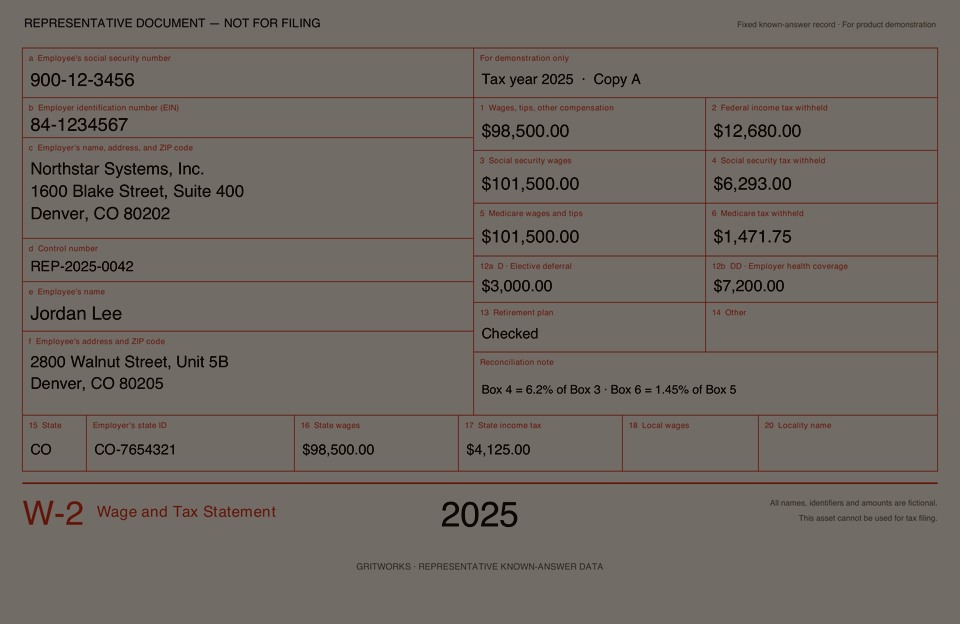
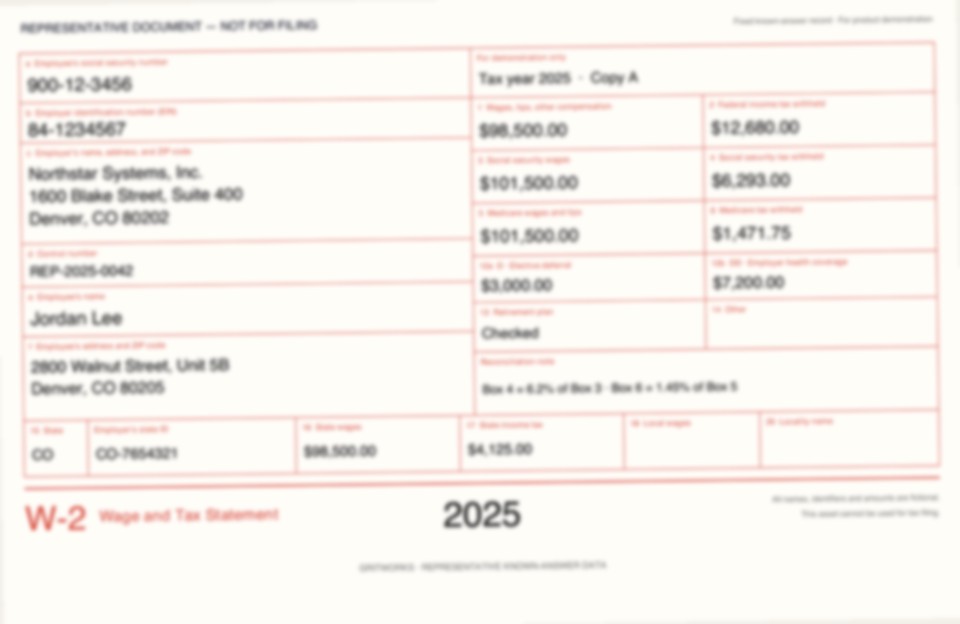
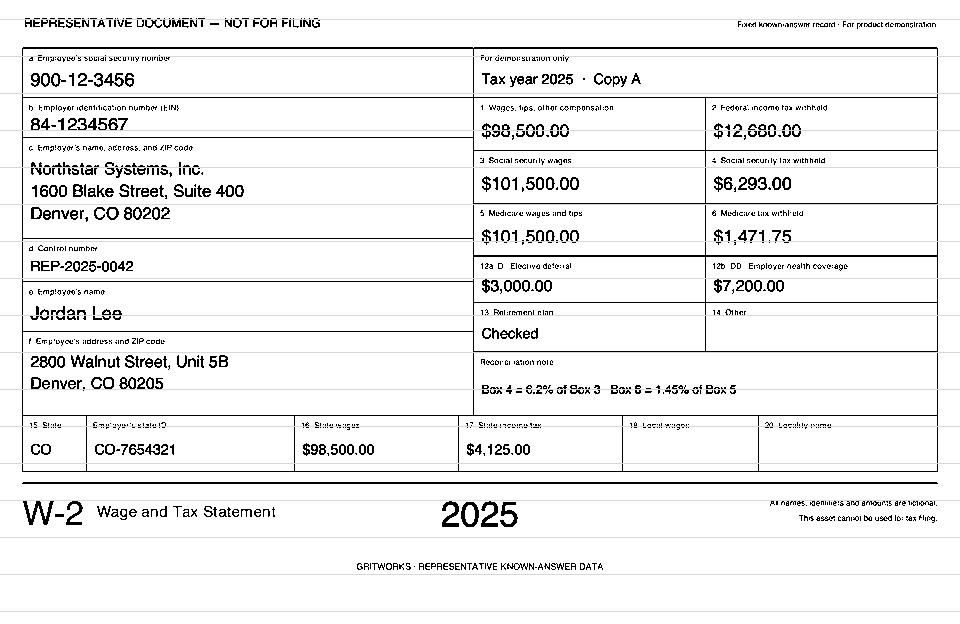
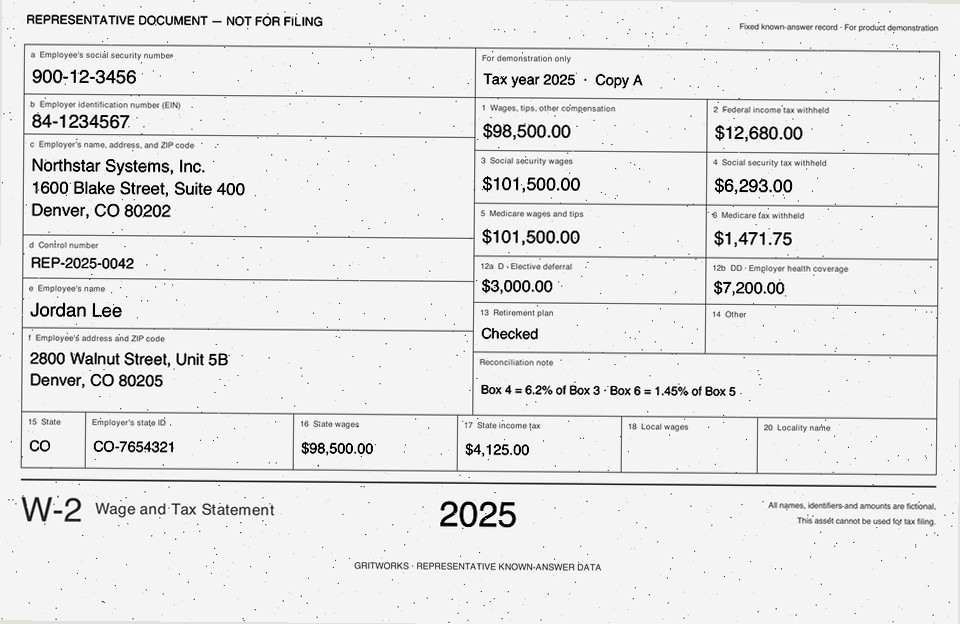
Illustrative samples of the same fictional record under different visual conditions.
Where it fits
Evaluate OCR, document extraction, speech and conversational systems against controlled inputs. Create rare cases and difficult conditions that are expensive to assemble manually or absent from production samples.
Send generated PDFs and images through GritTransform or your existing extraction system, then compare the returned fields with the known values. Use GritRedact to prepare approved real content before using it as a seed.
Run GritRender offline on your infrastructure, or use a sales-assisted SaaS subscription. Design content through the web platform and connect generation to your workflows through APIs.
We’ll help define templates, rules, output formats and test coverage, then choose the deployment that fits your team. Enterprise options include private cloud, VPC and air-gapped environments.
No. Start from a blank template, field schema or business scenario. A sanitized seed is an option when you want to retain a real document’s layout and structure.
Yes. Review and sanitize approved source content with GritRedact, then use that output as a seed for synthetic expansion. Configure additional samples, variations and negative cases in GritRender.
Define the values and rules used to generate the content. They provide the expected results against which you can evaluate extraction, transcription or downstream business behavior.
Evaluate representative outputs against your target workflow. Review document structure, media characteristics and the behavior of your downstream system before expanding the test corpus.
Bring a document type or scenario, required fields, business rules, expected volume and the failure cases you want to test. We’ll help translate those requirements into a generation workflow.
Explore the evidence
Start with the existing fictional document examples and known values, then review the relevant enterprise workflow.
Inspect low-light, blur, fax and photocopy conditions with the reference JSON.
See the existing evaluation of controlled document variants and expected results.
See the existing redact-then-generate workflow for financial-services testing.
START WITH DOCUMENTS YOU CAN EXPLORE
Free PDF packs for evals, sandboxes and testing: readable and degraded documents with reference fields. Need implementation or operational help? Discuss support around GritWorks products.
Start with your workflow
Tell us what your team needs to achieve. We’ll help you choose the right products, work through your requirements and explore on-premises or SaaS deployment.
Request a working session